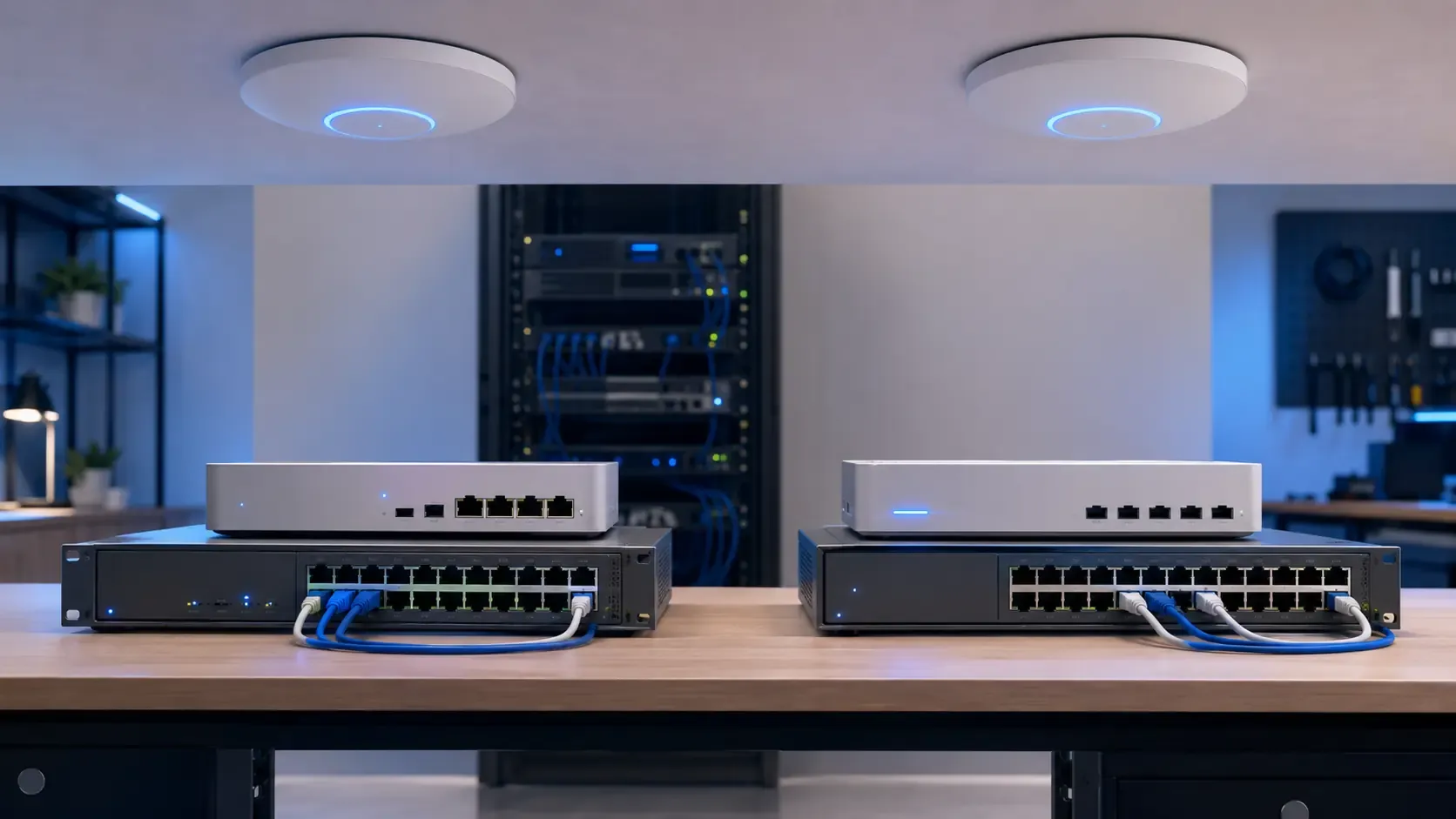
Omada by TP-Link and UniFi by Ubiquiti are two popular networking platforms for small and medium-sized businesses.
Both offer business gateways, switches, wireless access points and centralized network management. Both can support a single office, retail location or growing multi-site operation without the licensing structure associated with many traditional enterprise networking vendors.
However, they are not identical, and one of the most common mistakes we see is a single-location business buying more network than it needs. If you operate one location and don't have concrete plans to expand, you don't need to feel pressure to buy into UniFi's ecosystem. Omada was built for exactly this kind of deployment.
Omada generally emphasizes affordability and flexible controller options. UniFi offers a more integrated technology ecosystem and a highly polished management experience. The best choice depends on your budget, locations, technical requirements and long-term plans — not on which brand is more talked about.
What Are Omada and UniFi?
Omada and UniFi are software-defined networking platforms.
Instead of configuring every access point, switch and gateway separately, compatible devices can be adopted into a central controller. Administrators can then manage the network through one interface.
This may include:
- Internet and gateway settings
- Wired and wireless networks
- Virtual LANs
- Guest Wi-Fi
- Access-point configuration
- Switch ports
- Network performance
- Connected clients
- Firmware updates
- Alerts and troubleshooting
- Multiple business locations
Centralized management makes it easier to maintain a consistent network as the number of devices and locations grows.
Omada: The Cost-Conscious Business Platform
Omada is TP-Link’s business networking ecosystem.
Its product range includes:
- Business gateways
- Managed and smart switches
- Indoor and outdoor wireless access points
- Hardware controllers
- Software controllers
- Cloud-based management
- Wireless bridges
- Related surveillance products
Omada provides several ways to manage a network. A business can use a dedicated hardware controller, operate the software controller on its own server or use TP-Link’s cloud management options.
Omada Cloud Essentials provides free cloud management for supported devices, while more advanced cloud capabilities may require a paid plan. Hardware and self-hosted controller options can provide centralized management without an ongoing controller subscription.
This flexibility makes Omada attractive to businesses that want centrally managed networking while keeping initial equipment costs controlled — which describes the large majority of single-location operators.
UniFi: The Integrated Technology Ecosystem
UniFi is Ubiquiti’s business technology platform.
Its networking range includes:
- Cloud gateways
- Security gateways
- Managed switches
- Indoor and outdoor wireless access points
- Wireless bridges
- Network management software
- Dedicated control appliances
- Multi-site remote management
UniFi also extends beyond networking into:
- Video surveillance
- Door access
- Intercom systems
- VoIP
- Digital signage
- Building and device management
This broader ecosystem is one of UniFi’s strongest advantages, and it matters most once a business is coordinating several locations under one standard, or plans to add cameras, access control or signage on top of the network. For a single site running network and Wi-Fi only, most of this ecosystem goes unused.
A business can begin with a gateway, switches and access points, then add other UniFi systems through the same general management environment.
UniFi recommends beginning most deployments with a Cloud Gateway. The gateway runs the local UniFi control plane and provides remote access through UniFi Site Manager. UniFi also offers self-hosted and officially hosted controller options.
Comparing Initial Hardware Costs
Omada is often selected when equipment cost is a major consideration.
Comparable Omada gateways, switches and access points may be priced below their UniFi alternatives, although the difference depends on the exact models, availability and network requirements.
This can make Omada useful for:
- Small offices
- Independent stores
- Restaurants
- Clinics
- Warehouses
- Budget-conscious startups
- Straightforward Wi-Fi upgrades
- Businesses replacing consumer-grade equipment
UniFi equipment may require a larger initial investment, especially when the deployment includes a Cloud Gateway or expands into additional UniFi applications. For a single-location business, that extra spend is only worth it if the ecosystem features are actually going to be used.
However, purchase price should not be evaluated by itself.
The complete cost of a business network can also include:
- Network design
- Installation
- Cabling
- Configuration
- Controller hosting
- Remote management
- Technical support
- Replacement inventory
- Future expansion
- Ongoing maintenance
A lower-cost device is not necessarily the better investment if it creates limitations or additional management work later. But an expensive device isn't automatically the safer choice either, if the extra capability is never going to be used.
Controller and Licensing Options
Both platforms provide alternatives to traditional per-device enterprise licensing, but their management models differ.
Omada offers several controller approaches:
- Free software controller
- Dedicated hardware controller
- Free Omada Cloud Essentials
- Paid cloud management with additional capabilities
The hardware controller is a one-time purchase and supports remote access through Omada Cloud. Businesses using the software controller are responsible for operating and maintaining the server on which it runs.
UniFi also provides several control-plane options:
- UniFi Cloud Gateway
- Dedicated CloudKey
- Self-hosted UniFi OS Server
- Official UniFi Hosting
UniFi Cloud Gateways keep the control plane at the business location while providing remote management through Site Manager. UniFi’s self-hosted server is also license-free, while official hosting is an optional paid service.
The right choice depends on whether the business prefers:
- A local hardware controller
- A self-managed server
- A vendor-hosted cloud controller
- An integrated gateway and controller
- Minimal ongoing administration
Management Experience
UniFi is widely chosen for its cohesive management interface.
Network administrators can review gateways, switches, access points, connected clients, topology and traffic information through one platform. The interface also supports centralized access to multiple deployments through UniFi Site Manager.
This can be valuable for an IT provider or business managing several locations.
Omada provides similar core centralized-management capabilities, including:
- Device adoption
- Network configuration
- Client visibility
- Topology
- Alerts
- Remote management
- Multi-site administration
- Zero-touch provisioning with supported cloud deployments
Omada’s interface is capable, but businesses should evaluate the exact controller tier and supported features before purchasing equipment. Some cloud capabilities vary between the free and paid management options.
For a straightforward business network, both platforms can provide the necessary visibility. UniFi generally has the advantage when management experience and ecosystem consistency are leading priorities — which is a real benefit for a multi-site operator, and a feature a single-location business is paying for without needing.
Wireless Networking
Both Omada and UniFi offer access points for different physical environments.
These include models designed for:
- Ceilings
- Walls
- Outdoor areas
- High-density spaces
- Long-range coverage
- Mesh deployment
- Newer Wi-Fi standards
Wi-Fi performance depends on more than the brand printed on the access point.
A reliable business deployment requires proper consideration of:
- Floor plan
- Building materials
- User density
- Device count
- Channel interference
- Access-point placement
- Wired backhaul
- Power-over-Ethernet capacity
- Internet bandwidth
- Coverage requirements
A properly designed Omada network can outperform a poorly planned UniFi deployment, and the reverse is equally true.
The wireless design matters more than choosing a platform based on brand reputation alone.
Switching and Power over Ethernet
Omada and UniFi both offer managed switches with Power over Ethernet.
PoE allows compatible equipment to receive power and data through the same Ethernet connection. This is commonly used for:
- Wireless access points
- VoIP phones
- Security cameras
- Door-access devices
- Intercoms
- Building sensors
- Networked displays
- Other connected equipment
When choosing a switch, the business should consider:
- Number of ports
- Total PoE power budget
- Device power requirements
- Uplink speeds
- VLAN support
- Redundancy requirements
- Rack space
- Future expansion
- Multi-gigabit connectivity
Choosing only for the current device count can result in an early replacement. Additional ports and power capacity provide room for future access points, kiosks and connected devices.
Multi-Location Management
Both platforms can support businesses with more than one location.
Centralized management allows an administrator or IT provider to:
- Review network status remotely
- Maintain consistent configurations
- Apply firmware updates
- Investigate connectivity problems
- Manage administrators
- Compare site performance
- Add new locations
- Reduce unnecessary service visits
UniFi Site Manager provides one interface for remotely administering multiple UniFi deployments. UniFi also supports features intended to simplify connections and management across distributed locations.
Omada provides multi-site management through its controller options, including its cloud-based platforms. Its cloud controller can also support zero-touch provisioning, allowing compatible equipment to be prepared for remote deployment.
This is really where the UniFi-versus-Omada decision should be made: how many locations you're managing today, and how many you realistically expect to manage. For either platform, the network should be standardized before expansion. Consistent gateways, switches, access points, addressing and documentation make every additional location easier to support.
Ecosystem Differences
The largest strategic difference is the size and integration of the surrounding ecosystem.
Omada is primarily compelling as a business networking platform. TP-Link also offers related surveillance and management products, but businesses often choose Omada specifically for gateways, switches and Wi-Fi.
UniFi is designed as a broader physical IT ecosystem.
A UniFi deployment may eventually include:
- Business networking
- Security cameras
- Door access
- Intercoms
- Phones
- Building controls
- Digital signage
- Remote site management
A unified ecosystem can simplify administration, but it also increases reliance on one vendor.
Businesses should decide whether that integration is valuable or whether they prefer to select separate specialized platforms for networking, surveillance, access and communications.
Vendor Lock-In and Compatibility
Neither Omada nor UniFi requires every network component to come from the same manufacturer.
Standard Ethernet devices can generally communicate across a mixed network. A business could use one vendor’s gateway with another vendor’s switches or access points.
However, the central management experience works best with devices from the corresponding ecosystem.
An Omada controller manages supported Omada devices. UniFi Network manages supported UniFi networking devices. Mixing vendors can mean configuring parts of the network through separate interfaces.
Before committing to either platform, consider:
- Whether replacement products are readily available
- Whether the business needs specialized third-party equipment
- How difficult a future migration would be
- Whether configurations can be documented independently
- Whether the network depends on vendor-specific features
- Whether spare equipment should be kept on-site
Standardized equipment improves supportability, but proper documentation prevents the network from becoming dependent on one technician or provider.
When Omada May Be the Better Choice
Omada may be the stronger option when:
- The business runs a single location with no firm expansion plans
- The project has a tighter hardware budget
- The business primarily needs networking
- A free or self-hosted controller is preferred
- The deployment is relatively straightforward
- The business does not require a large integrated technology ecosystem
- Good centrally managed Wi-Fi is the main objective
- Several cost-sensitive locations need standardized networking
If this describes your business, there's no operational reason to pay for UniFi's broader ecosystem. Omada can provide a substantial improvement over consumer networking equipment without requiring the business to invest in a platform built for a scale it may never need.
When UniFi May Be the Better Choice
UniFi may be the stronger option when:
- A polished central management experience is important
- The business expects to add more locations
- Remote administration is a leading requirement
- Networking may expand into cameras, access or other systems
- A local control plane with cloud-based remote access is preferred
- The business wants a cohesive equipment ecosystem
- The IT provider already standardizes and supports UniFi
- Long-term integration matters more than obtaining the lowest equipment price
UniFi is particularly compelling when the network is intended to become the foundation for a larger connected physical environment — think franchise or multi-unit operations, not a single storefront.
Which Platform Does Your Business Need?
The decision should begin with operational requirements — not brand preference, and not a sense that the "bigger name" platform must be the safer bet.
Before selecting Omada or UniFi, determine:
- How many locations need to be connected?
- How many employees, customers and devices will use the network?
- What level of Wi-Fi coverage and capacity is required?
- Which devices need Power over Ethernet?
- Will kiosks, cameras, phones or access systems be added?
- Who will manage the network?
- Is remote support required?
- Does the business prefer local or cloud-hosted management?
- What expansion is expected over the next several years?
- Which platform can the IT provider support effectively?
For a single-location business answering "no" to most of the expansion and ecosystem questions above, that's a strong signal Omada already covers what you need.
Omada often wins on affordability and controller flexibility. UniFi often wins on management experience, product integration and long-term ecosystem potential — value that only shows up once you're actually operating at that scale.
How Fieldzora Helps You Choose
Fieldzora designs and supports business networks around the physical operation, not around which platform is trending.
The process begins by evaluating:
- The business location
- Existing network equipment
- Wired infrastructure
- Wireless coverage
- Connected devices
- Internet requirements
- Security and segmentation needs
- Remote-support requirements
- Expansion plans
- Available budget
Fieldzora can then recommend Omada, UniFi or another appropriate platform based on the actual environment — and for most single-location clients, that recommendation is Omada, sized and configured properly rather than upsold into hardware they don't need.
This avoids choosing networking equipment solely because it is popular, inexpensive or visually appealing.
The objective is to build a network that supports the complete business — including computers, payment systems, kiosks, storage, cloud applications and future automation — matched to the scale the business is actually operating at today.
The Final Decision
Omada and UniFi are both capable business networking platforms.
Choose Omada when cost efficiency, networking fundamentals and flexible controller options are the leading priorities — and that includes most single-location businesses, full stop.
Choose UniFi when centralized management, ecosystem integration and a long-term connected technology platform are more important, typically because you're managing multiple locations or planning to.
The best network is not automatically the platform with the longest feature list. It is the one properly designed for your location, supported by your IT provider and capable of growing with your business — not one bought to keep up with a bigger operation you don't have.