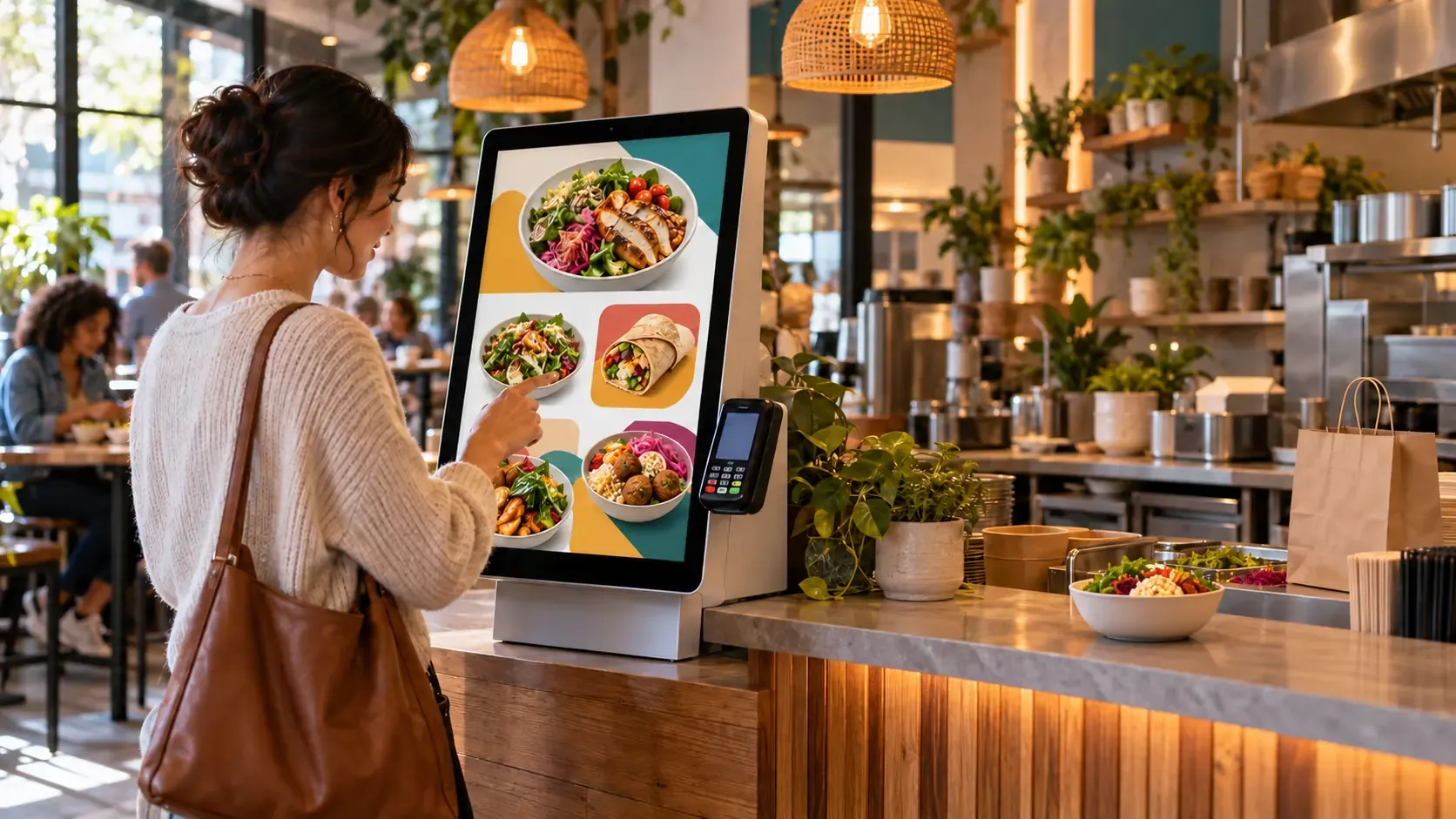
Every order needs to be taken. But does every order need someone standing at the register to take it?
For an independent restaurant, the answer depends on whether the kiosk can actually handle the work your cashier does.
Taking a basic order is one thing. Handling meal combinations, substitutions, special pricing, payments, and the handoff to preparation is another. If customers or staff keep getting stuck, you still need someone at the register.
That is the problem with buying a kiosk that only automates the easy part of your counter workflow. You pay for the screen and software, but the staffing requirement barely changes.
Independent restaurants need automation that fits their operation closely enough to remove meaningful work. Getting there requires more than selecting a touchscreen from a catalogue.
Your POS can limit what your kiosk can do
A POS can work well for staff while being awkward for customers to use directly.
Your cashier knows which modifier to select, how to build an unusual combination, and when to ask a follow-up question. Customers do not have that training. They need a clear flow that guides them through the same decisions.
If your POS provider's kiosk software offers limited control over those steps, you may have to change your workflow to fit the software—or keep staff nearby to bridge the gaps.
The provider's supported hardware and integrations can also constrain your choices. Before committing, establish what can be customized and how orders, payments, and inventory will be handled.
A kiosk should absorb the decisions your software can reliably handle, rather than send them back to the cashier.
A cookie-cutter kiosk can leave the expensive work untouched
Off-the-shelf SaaS kiosks can suit straightforward menus. The problem arises when the template cannot accommodate the everyday details of your restaurant.
Customers might need help finding a substitution. Staff might have to correct a combination, explain a missing option, or re-enter an order into another system.
Each exception puts someone back into the transaction.
If those exceptions are common, the kiosk may handle some orders without eliminating much of the cashier's workload. A low monthly subscription is less attractive when you still need the same counter coverage alongside it.
The useful measure is how many orders customers can complete correctly without staff intervention—and whether that lets you change the way you staff the counter.
Franchises can spread the development work across locations
A franchise network with consistent menus and procedures can develop an ordering flow once and reuse it. Software development, integration, testing, and training can support multiple deployments.
An independent restaurant needs that investment to make sense within one location.
That creates a difficult choice when the available options are a rigid template or a bespoke system built entirely from scratch. The first may leave too much work untouched. The second may require more upfront spending than the owner can justify.
There is a middle route: adapt an existing kiosk framework to the restaurant's specific requirements.
Custom software does not have to mean starting from zero
Building every screen, menu rule, payment flow, and staff interface from scratch can be expensive.
Reusable software changes the scope. The core system already exists, and customization focuses on the details that would otherwise keep your cashier involved.
AI-assisted development can also reduce time spent on some coding tasks. It does not remove the need to test payments, peripherals, integrations, and real ordering scenarios, but it can help make targeted customization more practical.
For an independent restaurant, the opportunity is a defined project built around its actual bottlenecks.
That might mean:
- Guiding customers through combinations and substitutions.
- Applying required choices and pricing rules automatically.
- Showing relevant extras at the right point in the order.
- Routing paid orders directly to a usable preparation display.
- Synchronizing supported menu or inventory data with the existing POS.
Spend on the customization that removes recurring manual work. Expand when another feature has a clear operational purpose.
Independents need someone to connect the whole system
Hardware, software, payments, printers, and kitchen displays are separate components. The owner needs them to function as one ordering process.
Large rollouts offer suppliers and integrators a repeatable commercial opportunity. A single independent location needs an equally practical implementation path, even when its project is smaller.
That is where a local kiosk systems integrator can help: assess the counter workflow, coordinate compatible components, configure the software, and test the complete customer-to-kitchen handoff.
The value is in taking responsibility for how the pieces work together. An owner should not have to discover after installation that the printer works but the order never reaches preparation.
POS integration should remove duplicate work
Where the POS supports the required functions, integration can help keep relevant information connected rather than make staff maintain separate systems manually.
But integration needs to be defined function by function. Menu synchronization, inventory updates, payments, and kitchen routing are different capabilities. Support for one does not establish support for all of them.
If the existing POS cannot support the required ordering flow, a dedicated kiosk payment setup and separate kitchen display may be a practical alternative. The remaining reconciliation or synchronization work should be understood before deployment.
The objective is a dependable handoff with fewer manual steps. Choose the connection that achieves that for your restaurant.
Make the payoff concrete before buying
Start by identifying what would change in a normal shift.
Could you reduce register coverage? Avoid hiring another dedicated order taker? Stop pulling someone away from preparation? Spend fewer hours at the counter yourself?
Those changes form the business case.
Payroll savings begin when scheduled hours actually fall or an additional hire is avoided. Extra orders contribute to the return only after their associated costs. Owner time has value too, but should be considered separately from cash savings.
Compare the expected monthly benefit with ongoing software, hosting, support, and other incremental operating costs. The remaining monthly benefit is what helps recover the upfront investment.
Operational benefits can begin as soon as the system is working and the workflow changes. Full payback takes time and depends on the numbers.
A kiosk also needs to fit your kitchen's capacity. Faster ordering is useful when preparation can keep up; otherwise the queue simply moves behind the counter.
A practical starting point for your restaurant
At Fieldzora, we customize our existing kiosk software for independent restaurants, with a range of hardware options sourced from China.
We coordinate the ordering flow, supported POS connections, payments, peripherals, and staff handoff around the work you want to automate.
You can start with one kiosk and a focused scope. Staff can remain available for cash, questions, and exceptions while routine orders move through self-service.
Tell us your current POS, the orders that require the most cashier attention, and how staff receive orders today. We'll help assess a kiosk setup, explain the costs, and identify what needs to change for it to pay off.